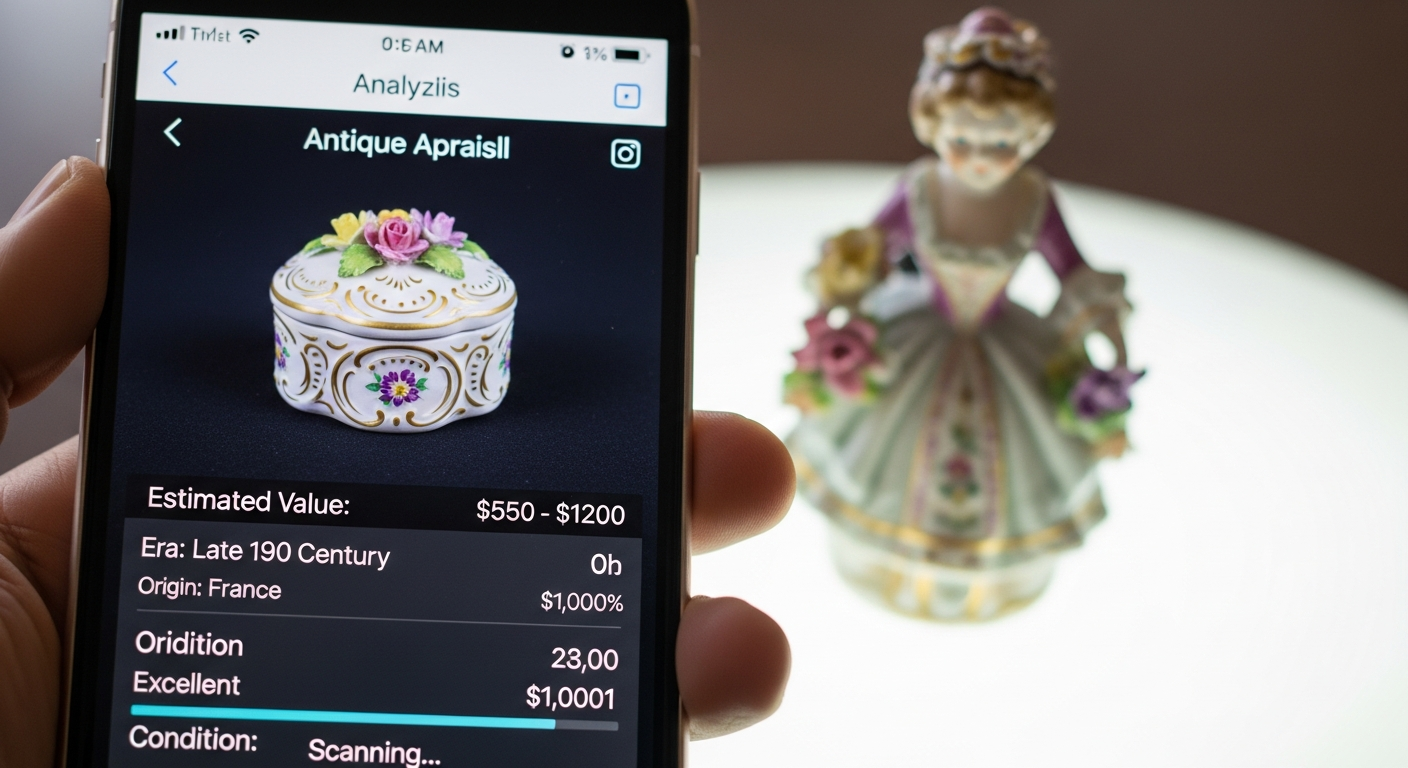
Antique appraisal apps work best as triage tools. They help you identify an object, organize photos, search similar sold examples, and decide whether the item is common, promising, or risky enough to require expert review.
Choose the app by category
General image search can help with pattern recognition, but category-specific databases are stronger for watches, coins, fine art, ceramics, furniture, jewelry, and collectibles. No single app handles every object equally well.
Feed the app better evidence
Take clear photos of the whole object, marks, underside, damage, scale, and any paperwork. Better inputs reduce false matches and make professional follow-up faster.
Treat estimates as ranges
Apps often blur asking prices, auction estimates, and sold results. A useful range should be grounded in recent completed sales and adjusted for condition, completeness, rarity, and venue.
Quick appraisal checklist
- Use category-specific tools when available
- Confirm every suggested match manually
- Prioritize sold market evidence over listings
- Record condition problems before estimating
- Escalate legal, insurance, or tax uses to a written appraisal
Note: We couldn’t find enough auction records that directly match Best Antique Appraisal Apps: Photos, Maker Marks, Category Fit, Evidence Limits and Next Steps to publish a defensible price table. If you are valuing a specific item, include its maker, model, material, photos, and condition so the search can be narrowed.
What similar items actually sold for
To help ground this guide in real market activity, here are recent example auction comps from Appraisily’s internal database. These matched sales are market context only, not an object estimate or identification, and they do not guarantee a price for your specific discover your treasures unlocking value with the best.
Shown GBP range: GBP 650-GBP 1,900. Median of these 4 GBP examples: GBP 1,500.
| Comparable | What sold | Auction house | Date | Lot | Source-reported amount |
|---|---|---|---|---|---|
 |
David Shrigley (British 1968-), 'Everything Is Fine', 2023 | Tate Ward Auctions | 2024-06-19 | 115 | GBP 1,900 (buyer’s-premium treatment unknown) |
 |
David Shrigley (British 1968-), 'The Dam Will Not Build Itself', 2023 | Tate Ward Auctions | 2024-06-19 | 116 | GBP 1,400 (buyer’s-premium treatment unknown) |
 |
David (LEBO) Le Batard (1972 - 2023) | Kodner Galleries | 2023-09-27 | 39 | USD 9,500 (buyer’s-premium treatment unknown) |
 |
David Shrigley OBE, Leap Into The Void, 2023; | Roseberys | 2025-04-09 | 149 | GBP 650 (buyer’s-premium treatment unknown) |
 |
Grayson Perry CBE RA, A British Citizen, 2023; | Roseberys | 2023-11-23 | 321 | GBP 1,600 (buyer’s-premium treatment unknown) |
How these auction records were verified
Each row retains its exact source URL, lot identity, retrieval time, access result, and immutable record hash. Inspect the public comparable provenance record.
Disclosure: prices are shown as reported by auction houses and are provided for appraisal context. Learn more in our editorial policy.
Free instant estimate
Not sure if your item is worth appraising? Let us take a look.
Upload a photo, tell us what you know, and get a free first read. If a full appraisal makes sense, we will say so.
Free. No card needed. Takes about two minutes.
Choose your next step
Use the path that matches the decision you need to make about the item.
Not sure it is worth appraising?
Start with a lower-friction screen to understand the likely category, evidence, and next step.
Upload photos for a free first lookWant proof before paying?
See how a signed report documents photos, comparable evidence, condition notes, and value conclusions.
View signed report sampleNeed a signed report?
Use this for insurance, estate, donation, resale, or documented value decisions.
Need documentation now? Start signed appraisalNeed local or specialist help?
Compare directory options when the work needs in-person review or a specialist near you.
Find local specialistsSee what the report looks like
Sample reports show how photos, comparable evidence, condition notes, and a value conclusion are documented.
Need a documented value?
Upload photos and details for a written appraisal report prepared from your item evidence and relevant market research.
Start online appraisal